Birthday Photo Slideshow: How to Make it Interactive Live?
Forget boring, traditional birthday slideshows! Discover how to transform your surprise slideshow into an interactive, memorable experience where all guests participate live.
Ah, the moment of the birthday slideshow! Remember those often nostalgic and emotional moments when a series of photos is projected to celebrate a loved one. Whether it's for your best friend's 30th, your mother's 50th, or a dear colleague's retirement, the intention is always the same: to create a unique and memorable moment. But let's be honest, how many times have you seen a PowerPoint scroll by with some outdated background music, where after a few minutes, the audience is glued to their smartphones, their attention having evaporated?
You're preparing a surprise, compiling precious memories, and you have this fear: that your effort will fall flat, that your party photo slideshow will be perceived as a mere interlude rather than the highlight of the party. The problem isn't a lack of love or effort, but rather the limitations of traditional tools that don't allow for the engagement such an event deserves. How can you captivate the audience from start to finish, and even get them actively involved in creating this memory?
Don't worry, you're not alone in this quest for the perfect slideshow. The goal is to transform a simple succession of images into a true collective experience, an interactive photo album that evolves live before the amazed eyes of the guests. Let us guide you to ensure your surprise birthday slideshow becomes one of the most talked-about moments of the evening, long after the candles have been blown out.
Creating a Memorable Birthday Slideshow: The Fundamentals
Before diving into interactivity, let's lay the groundwork. A good slideshow, even a classic one, relies on solid principles. Here's how to make it captivating even before adding live magic.
Photo Selection: The Art of Storytelling
- Less is More: Don't overwhelm the audience with hundreds of photos. Choose the most significant ones, those that tell a story, evoke an emotion, or recall a key moment. Thirty well-chosen photos for 5 minutes are better than 100 soulless ones.
- Variety and Emotions: Alternate funny, touching, and unusual photos. Don't hesitate to include childhood photos, embarrassing moments (with tenderness!), achievements, travels. The goal is to create an emotional rollercoaster.
- Quality over Quantity: Prioritize high-resolution photos. Avoid blurry or pixelated images that would detract from the visual experience.
- Chronology, a Guiding Thread: A chronological order helps follow the person's journey. You can start from birth and move up to the present day, or choose themes by decade.
Rhythm and Music: The Emotional Heart of Your Slideshow
- The Right Soundtrack: Music is essential. Choose songs that have meaning for the person being celebrated or that mark different periods of their life. Vary the moods: a soft piece for tender moments, an upbeat track for party memories.
- Perfect Synchronization: The rhythm of the transitions should match the music. A photo every 3-5 seconds is a good baseline, but adapt it to key musical moments. A quick transition for a dynamic passage, slower for a melancholic moment.
- Adequate Volume: Ensure the music is audible but doesn't overpower conversations or laughter. It should create an atmosphere, not a sonic distraction.
Anecdotes and Captions: The Personal Touch that Strikes a Chord
- Tell Stories: Every photo has a story. Add short captions, dates, locations. Even better: prepare a few anecdotes to tell live at key moments during the slideshow. "Ah, this photo! That was the day when..."
- Memorable Quotes: Integrate quotes from the celebrated person, messages from loved ones who couldn't make it, or proverbs that reflect them.
- Humor and Emotion: Don't be afraid to add a touch of humor with quirky comments or, conversely, play on emotion with touching messages.
Technical Quality: For an Impeccable Projection
- Format and Resolution: Use an image and video format suitable for the projection screen (often 16:9). Check the resolution to avoid stretched or pixelated images.
- Rehearsal: Leave nothing to chance. Test your slideshow on the projection equipment you'll use on the big day. Check sound, transitions, and photo sequence.
- Have a Backup Plan: A backup USB stick, a version on another device... You can never be too careful!
Beyond the Classic: How to Revolutionize Your Party Photo Slideshow?
You now have all the keys to create a solid birthday slideshow. But if you truly want to make an impression, if you want to transform this moment into a collective experience where every guest feels involved, you need to go further. The problem with traditional slideshows is their unidirectional nature: information is broadcast, but there's no exchange, no active participation. This is where interactivity comes in.
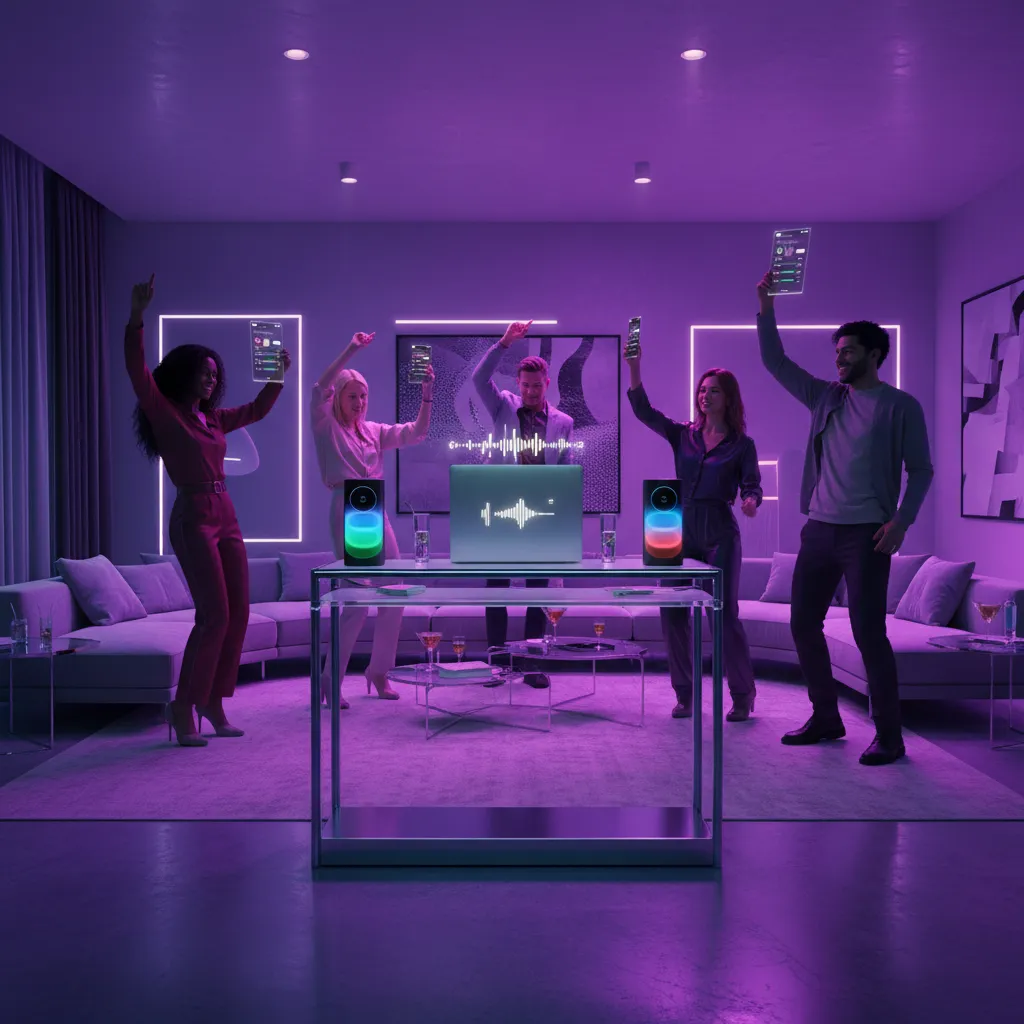
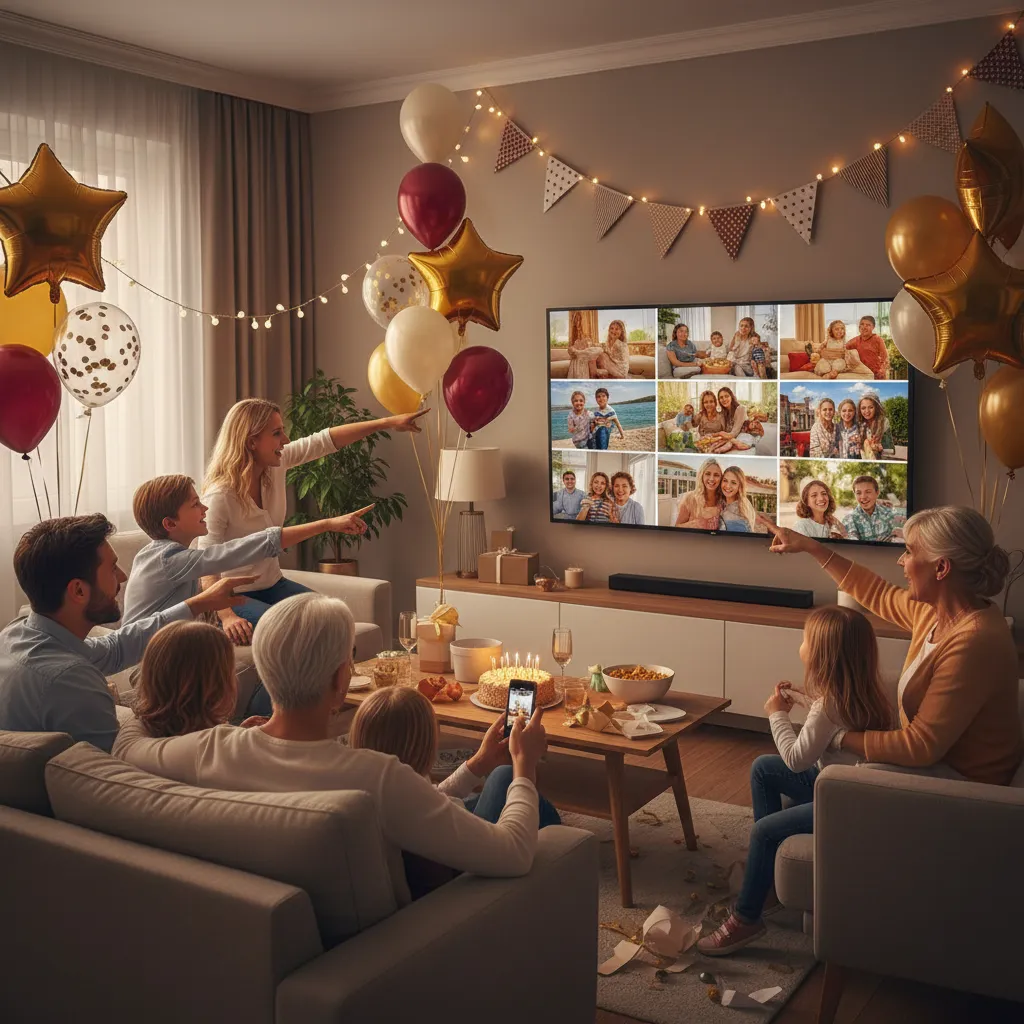
Imagine for a moment: not only do your carefully selected photos gracefully scroll, but guests can also, in real-time, add their own pictures, their own memories, their own messages that instantly appear on the big screen. This is the shift from a simple presentation to a true "Live Album," a collaborative and dynamic memory wall that builds before everyone's eyes. No more boredom, make way for wonder and co-creation!
Oscar Anime: Your Ally for an Interactive and Unforgettable Birthday Slideshow
It is precisely to meet this need for engagement and interactivity that Oscar Anime has developed a revolutionary Diaporama">Photo Slideshow solution. Forget complicated software and austere interfaces. Oscar Anime offers you an intuitive platform to create a professionally elegant party photo slideshow, with a touch of interactivity that will make all the difference.
- Cinematic Transitions and Elegant Design: Your photos deserve to be highlighted. Oscar Anime offers fluid transitions and a modern design that gives your slideshow a professional look, far from old PowerPoints.
- Advanced Music Synchronization: Import your favorite tracks and let Oscar Anime handle the synchronization. The pace of the photos will naturally adapt to the music for optimal emotional immersion.
- The "Live Album": The Ultimate Interactive Photo Album: This is the feature that will change everything! With Oscar Anime's Live Album, guests can scan a QR code or use a simple link from their smartphone to send their own photos and messages. These contributions instantly appear on the big screen, creating an interactive photo album in real-time. Imagine the surprise and joy of the person being celebrated and all participants seeing their shared memories displayed live! It's a true surprise birthday slideshow building before their eyes.
- Easy Moderation: You remain in control. A moderation system allows you to validate photos before they are broadcast, ensuring that only appropriate content appears on the screen.
With Oscar Anime, your birthday slideshow is no longer just a retrospective, but a living, collaborative, and deeply moving experience. It's the perfect opportunity to transform a traditional moment into an unforgettable collective memory, where everyone contributes to the celebration.
Diaporama" class="cta-button" style="display:inline-block;background:#D4AF37;color:#0A0A0F;padding:12px 24px;border-radius:8px;text-decoration:none;font-weight:bold;margin:16px 0;">Discover the Interactive Photo SlideshowDiscover Oscar Anime
Transform your events into unforgettable interactive experiences with our connected entertainment.
Try for free